Page 1 of 1
Image Display
Posted: 29 Jul 2020, 14:58
by theowalker
When you click the below link, it will take you to the folder containing the images for display. how can I change it so instead of the folder showing, the images immediately display without having to open the folder?
https://casadeoro.com/index.php/designe ... ve-jewelry
Re: Image Display
Posted: 29 Jul 2020, 19:01
by Benno
Hi,
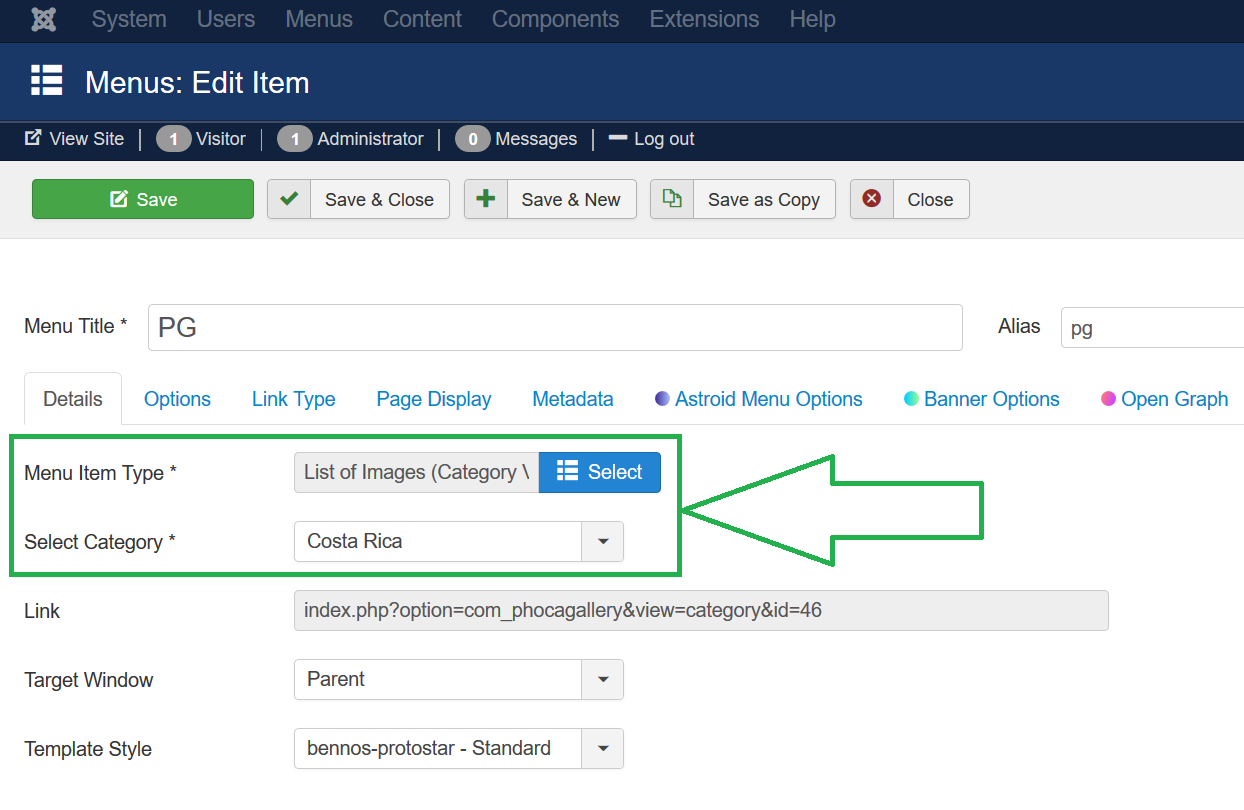
change the menu link to Phoca Gallery Component from 'Categories View' to 'Category View'.
Kind regards,
Benno
Re: Image Display
Posted: 29 Jul 2020, 22:44
by theowalker
I did that and when I click the link, the folder is still showing up.
Here is the link -
https://casadeoro.com/index.php/designe ... ve-jewelry.
I prefer when I click the above link, all the images in that folder automaticaly shows without click on the folder. It will automatically open to the images.
Re: Image Display
Posted: 29 Jul 2020, 23:35
by Benno
Hi,
did you really change the menu item?
Backend setting:
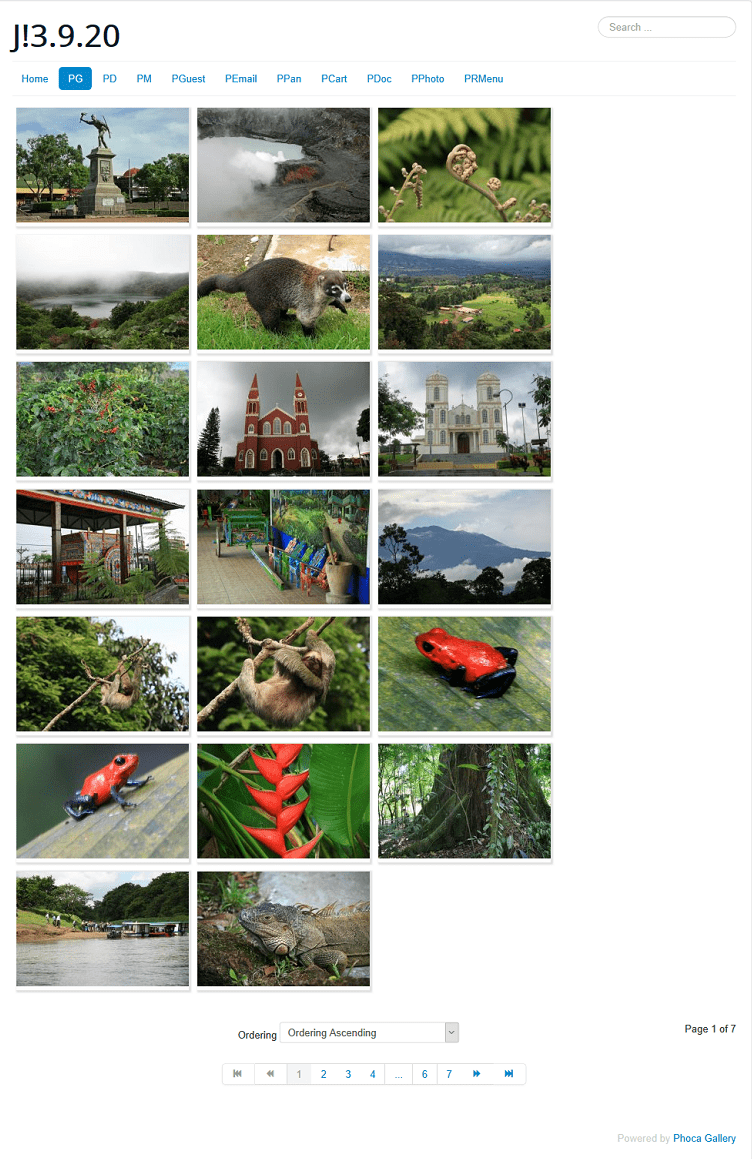
Frontend result:
Kind regards,
Benno