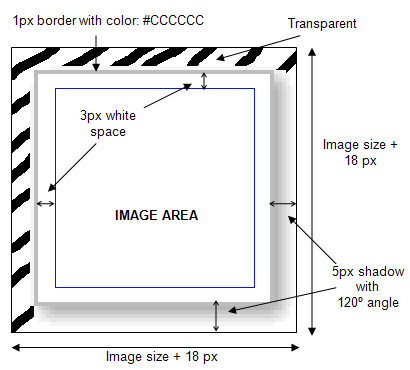
gallery image background
Posted: 08 Jun 2010, 04:13
I have read the guide. I have played with the parameters. I have tried to set the image background colors to Transp.
Nothing is working. I read about a guy who had a similar problem and tried to correct it through .css and that didn't work... it did make the box slimmer but it shifted over to the left. I just simply want the photo with maybe a small white border.
you can see an example of what I am talking about here:
http://lonnymorgan.com/index.php?option ... Itemid=155
I have no need for the background behind the photo.
Can anyone help me out with this?
Thank you in advance,
Lonny
Nothing is working. I read about a guy who had a similar problem and tried to correct it through .css and that didn't work... it did make the box slimmer but it shifted over to the left. I just simply want the photo with maybe a small white border.
you can see an example of what I am talking about here:
http://lonnymorgan.com/index.php?option ... Itemid=155
I have no need for the background behind the photo.
Code: Select all
#phocagallery-pane .phocagallery-box-file,
#phocagallery .phocagallery-box-file,
.phocagallery-box-file {
	position:relative;
	float:left;
	text-align:center;
/*overflow:visible;*/Thank you in advance,
Lonny